Adding Persistent Memory to CrewAI with Memanto
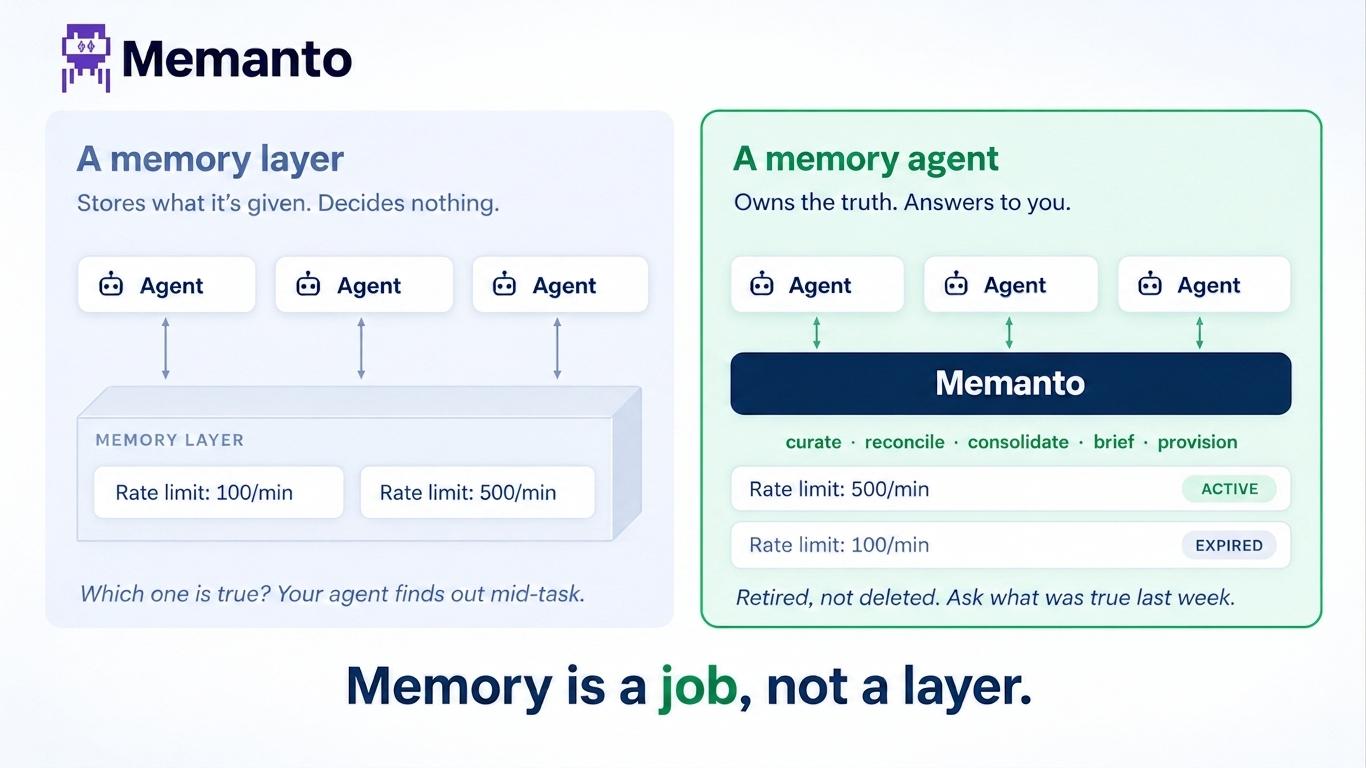
CrewAI agents forget everything the moment your script finishes. The new crewai-memanto package gives your crew shared, long-term memory that survives across sessions, scripts, and tools — through native remember, recall, and answer tools.

Building autonomous agents with CrewAI is incredibly powerful. You can define roles, assign tasks, and watch as your crew collaborates to solve complex problems. But out of the box, these agents share a common flaw: amnesia.
The moment your Python script finishes executing, everything your agents learned, researched, or decided is wiped clean. If you want to run a research agent today and have a writing agent use those findings tomorrow, it won't work unless you have a persistent memory layer.
Today, we are excited to release the crewai-memanto package. It provides a set of native tools designed to give your CrewAI agents shared, long-term memory that survives across sessions, scripts, and time.
A Semantic, Tool-Based Approach
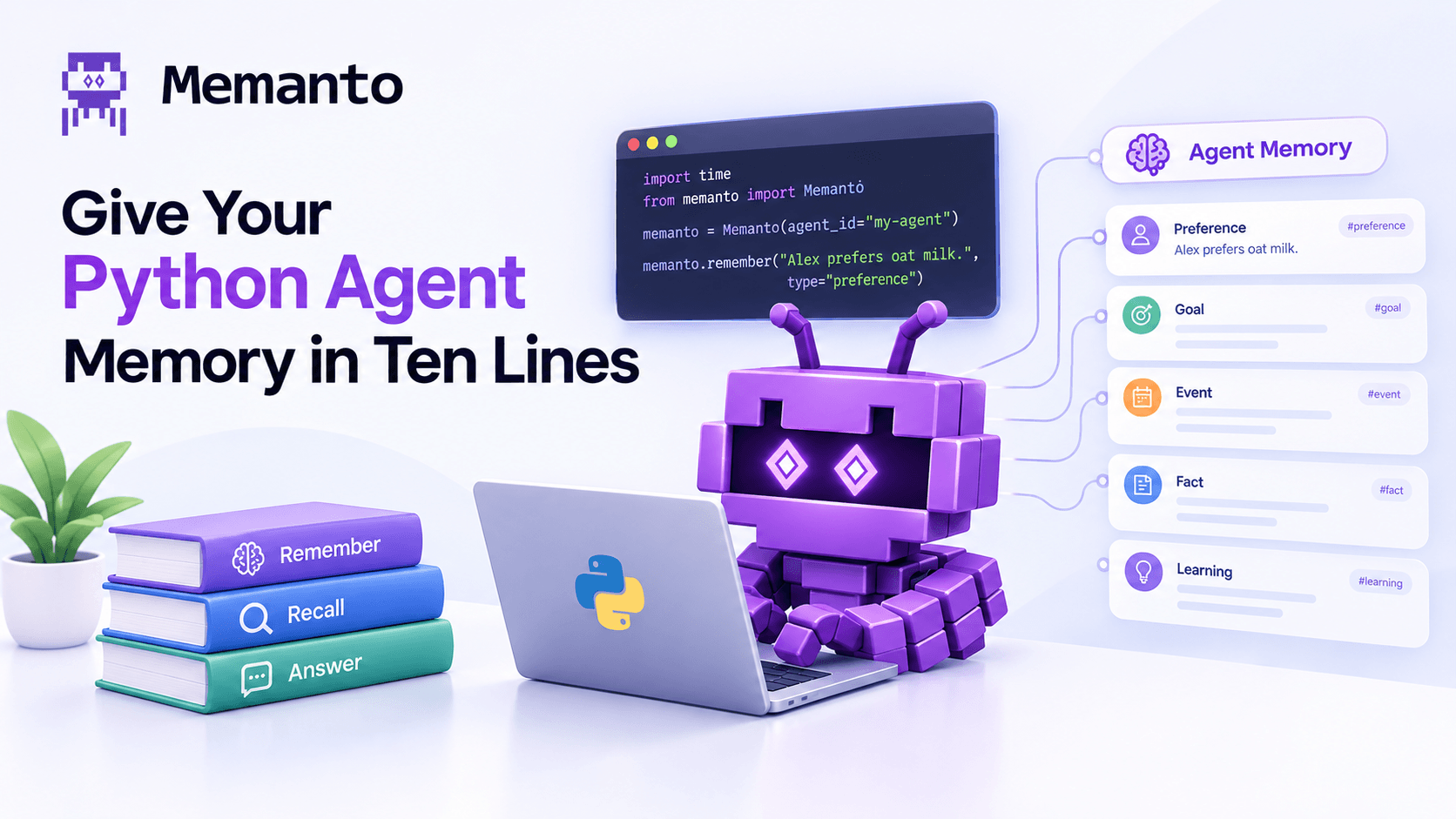
Instead of trying to forcefully intercept CrewAI's internal state, this integration provides memory the way agents naturally understand it: through explicit, natural-language tools (remember, recall, and answer).
This allows your LLMs to interact with memory semantically. When an agent learns a crucial piece of information, it actively decides to use the remember tool to write it down for the future. When it needs context to complete a task, it uses recall to search for past insights.
What Makes This Different?
We designed this integration to maximize data quality and reduce the amount of prompt engineering you have to do.
1. Autonomous Categorization
Human memory isn't just a flat list of text documents, it is heavily categorized. The memanto_remember tool natively supports 13 semantic memory types (such as fact, observation, decision, and goal).
We baked the definitions for these types directly into the tool's schema. This means when your agent decides to store a memory, the LLM intrinsically understands how to categorize it. You don't need to write custom task prompts explaining that a market size figure is a fact, while a market trend is an observation. The agent handles the classification autonomously.
2. Mandatory Confidence Scoring
LLMs can sometimes be overconfident in their hallucinations. To combat this, the memanto_remember tool strictly requires the agent to self-evaluate its certainty on a scale of 0.0 to 1.0.
Before saving any memory, the agent must pause and actively decide: Is this a verified, explicit fact (1.0), or is it just a loose estimate (0.7)? By forcing the model to score its own confidence, you ensure much higher data quality and reliability in your persistent database.
3. Automated Infrastructure
Getting started with persistent memory shouldn't require setting up and maintaining complex infrastructure.
The integration handles this for you. It automatically provisions and secures the necessary backend namespaces using the Moorcheh Cloud API the exact moment you run your script, ensuring your agents have immediate access to their shared memory space.
4. Cross-Platform Memory Sharing
Because the agent_id you define is just a namespace on the Moorcheh cloud, your memories aren't trapped inside CrewAI.
You can run your CrewAI research pipeline, have it aggressively scour the web and store insights, and then instantly access those exact same memories inside your IDE. By pointing Cursor, Windsurf, or Claude Code to the same namespace, you can query your agents' findings directly in your editor while you code.
Seeing it in Action
Integrating persistent memory takes just a few lines of code. First, install the package:
bashpip install crewai-memantoNext, set up the integration using your Moorcheh API key. This initializes the connection and prepares the shared memory space for your crew.
pythonimport os
from crewai import Agent, Task, Crew
from crewai_memanto import MemantoSetup, create_memanto_tools

# 1. Initialize Memanto (one-time setup per session)
setup = MemantoSetup(api_key=os.getenv("MOORCHEH_API_KEY"))
client = setup.setup(agent_id="my-crew")

# 2. Generate the memory tools bound to your shared agent_id
tools = create_memanto_tools(client, agent_id="my-crew")
Finally, assign these tools to the agents that need them. You can optionally set memory=False on your Crew if you want it to rely purely on your new persistent Memanto layer rather than mixing it with CrewAI's temporary internal memory.
python# Give the researcher the ability to store and search
researcher = Agent(
    role="Researcher",
    goal="Gather and store key facts",
    tools=[tools["remember"], tools["recall"]]
)

# Give the writer the ability to search and answer questions based on memory
writer = Agent(
    role="Writer",
    goal="Retrieve findings and write reports",
    tools=[tools["recall"], tools["answer"]]
)

crew = Crew(
    agents=[researcher, writer],
    tasks=[...],
    memory=False  # Let Memanto handle memory natively
)

crew.kickoff()
Because these memories live securely in the Memanto backend mapped to "my-crew", they are fully persistent. You can run your Researcher agent today, spin down your servers, and run your Writer agent in a completely different script next week. The Writer will flawlessly recall the exact data the Researcher stored.
Get Started
Stop letting your agents suffer from amnesia every time a script finishes executing.
- Install the package:
pip install crewai-memanto - Read the docs: the full CrewAI Integration Guide.
- Run the examples: a complete, cross-session multi-agent pipeline in our GitHub examples directory.